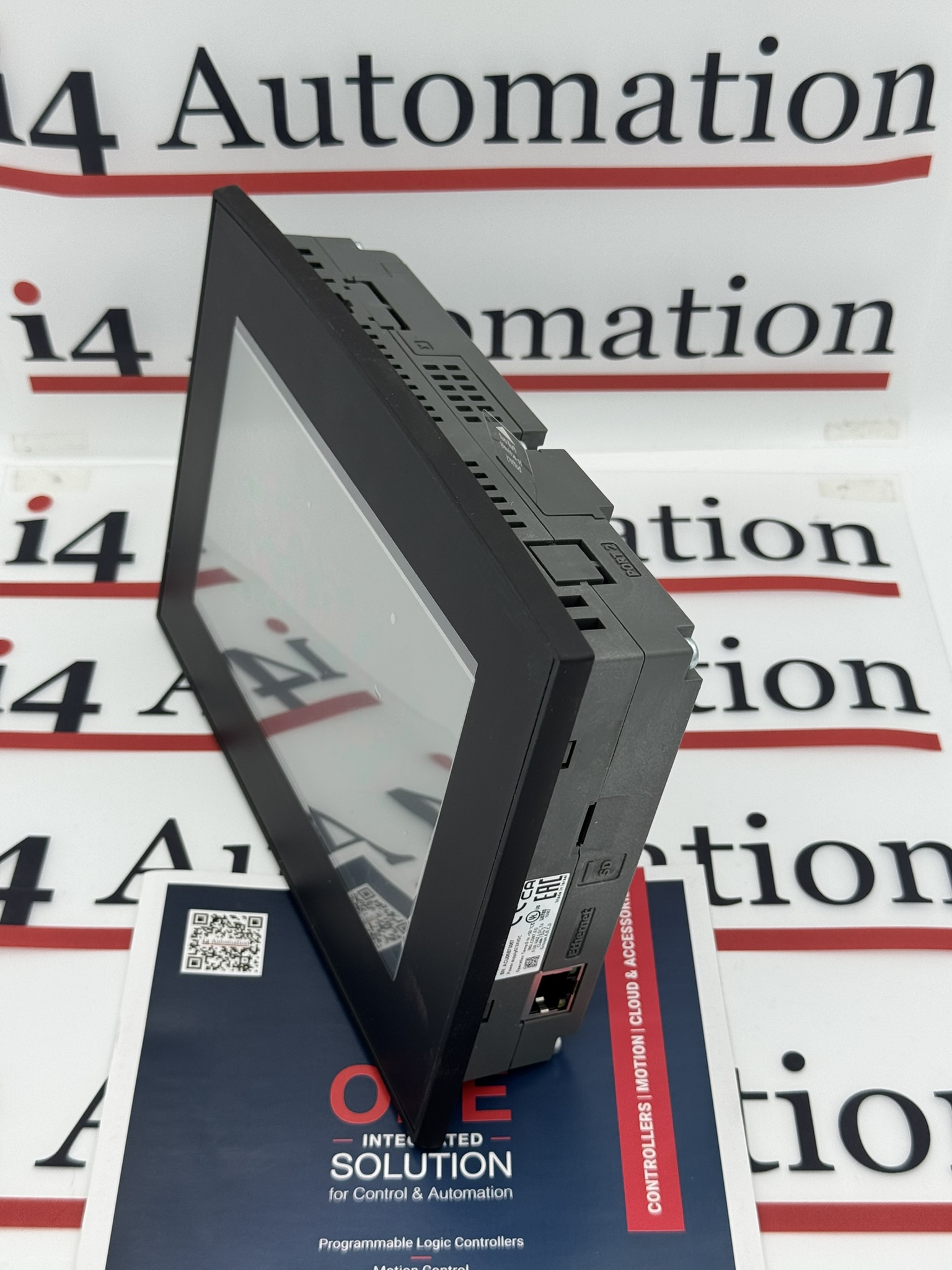
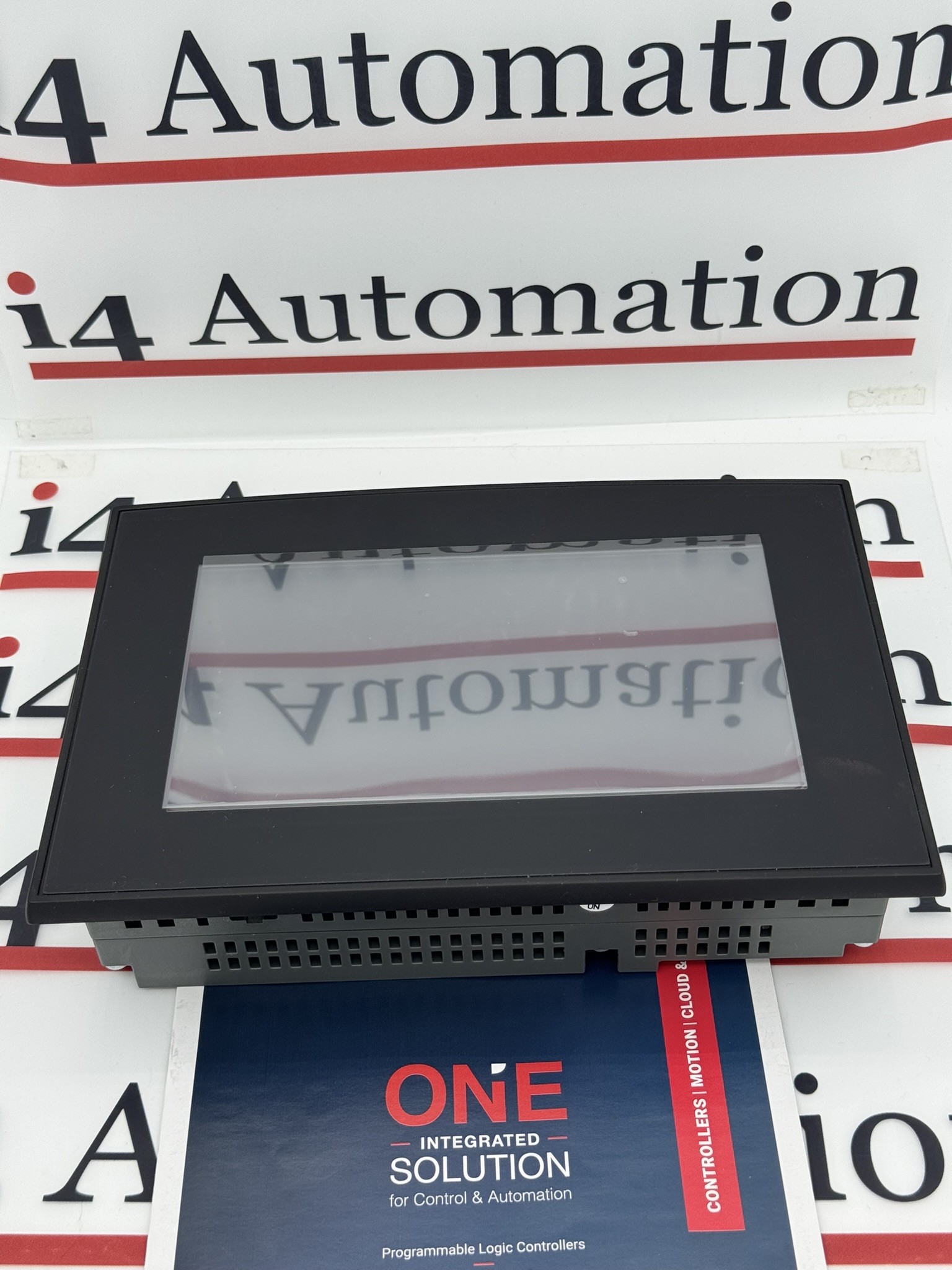
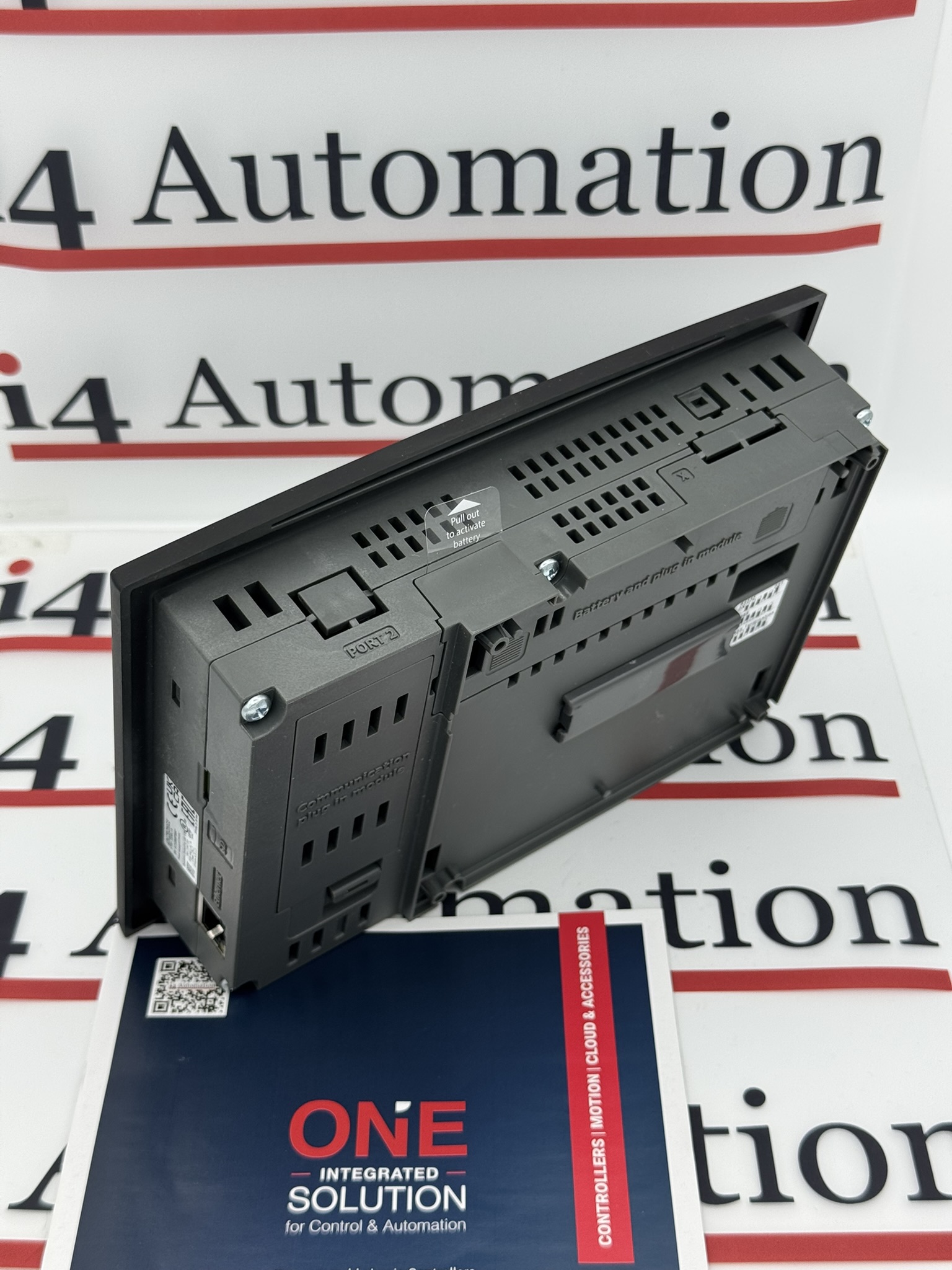
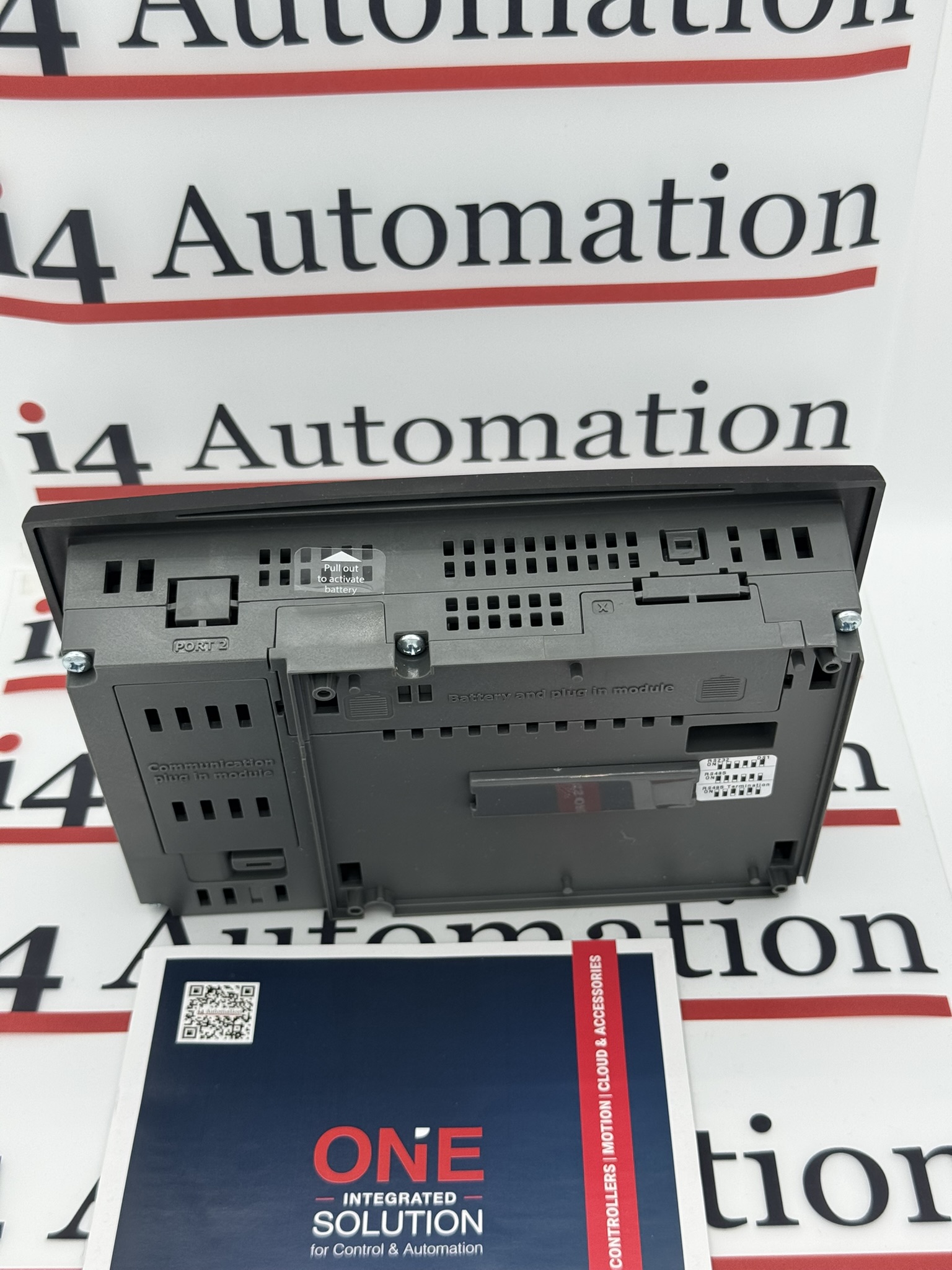
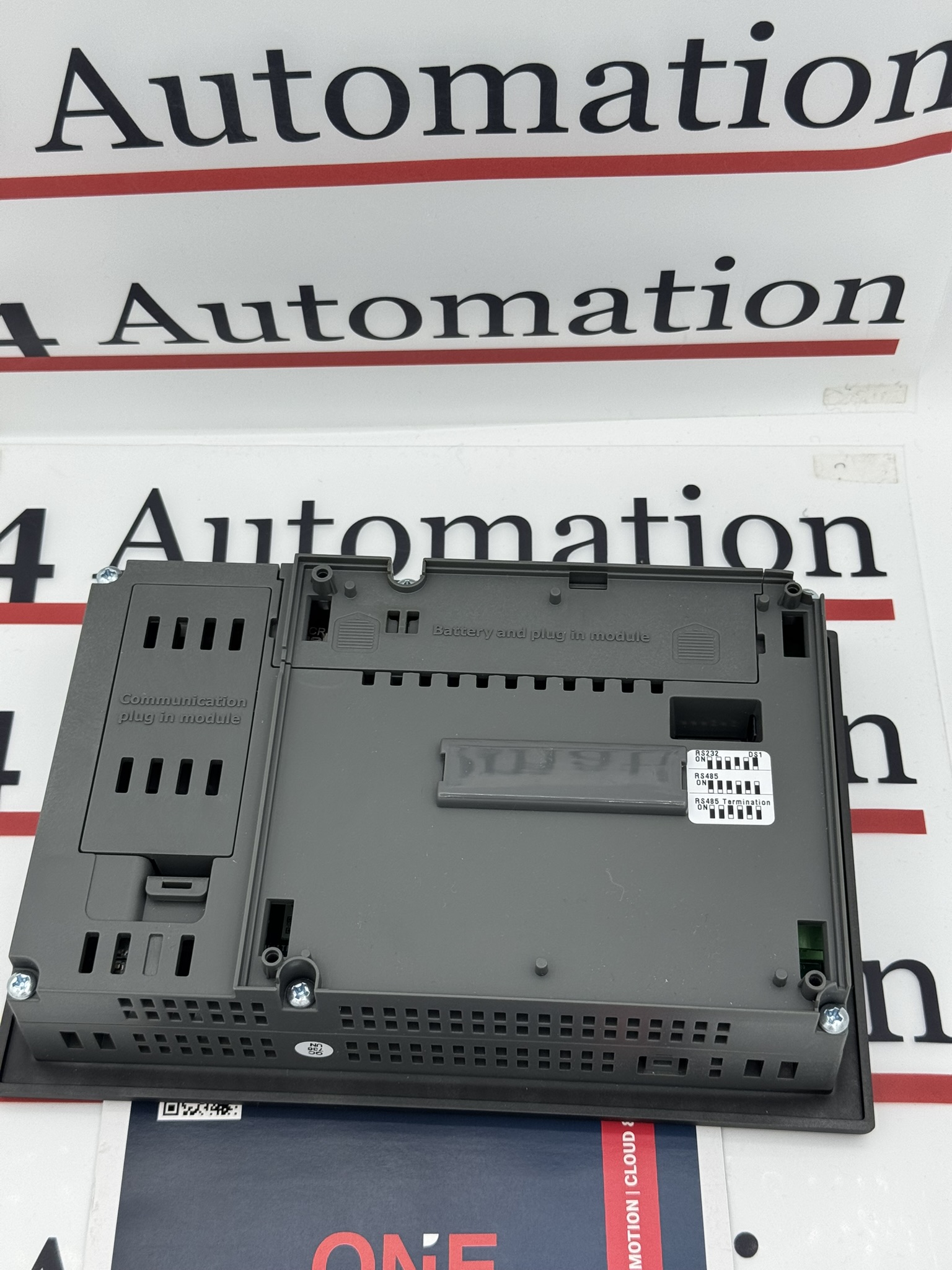
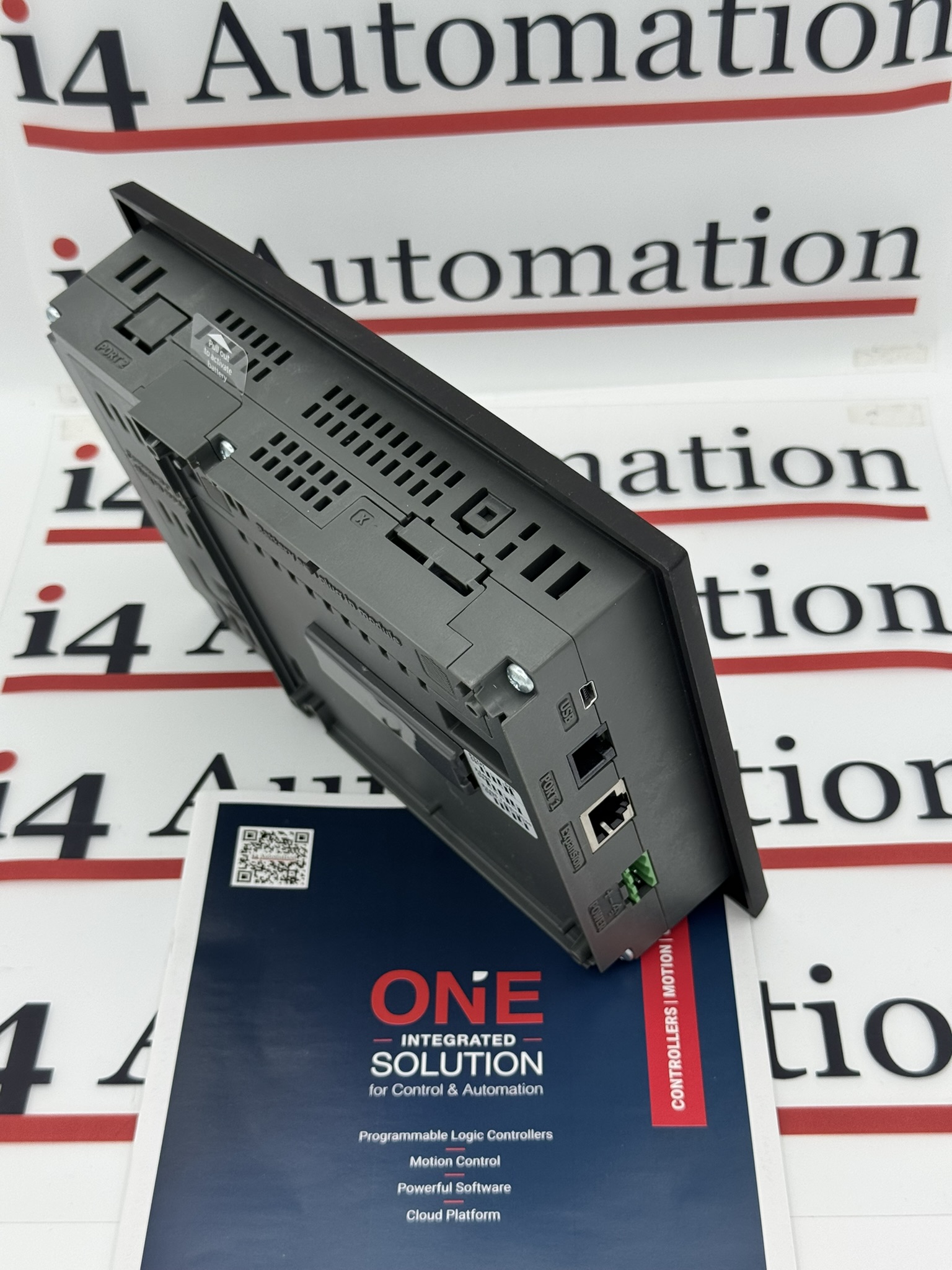
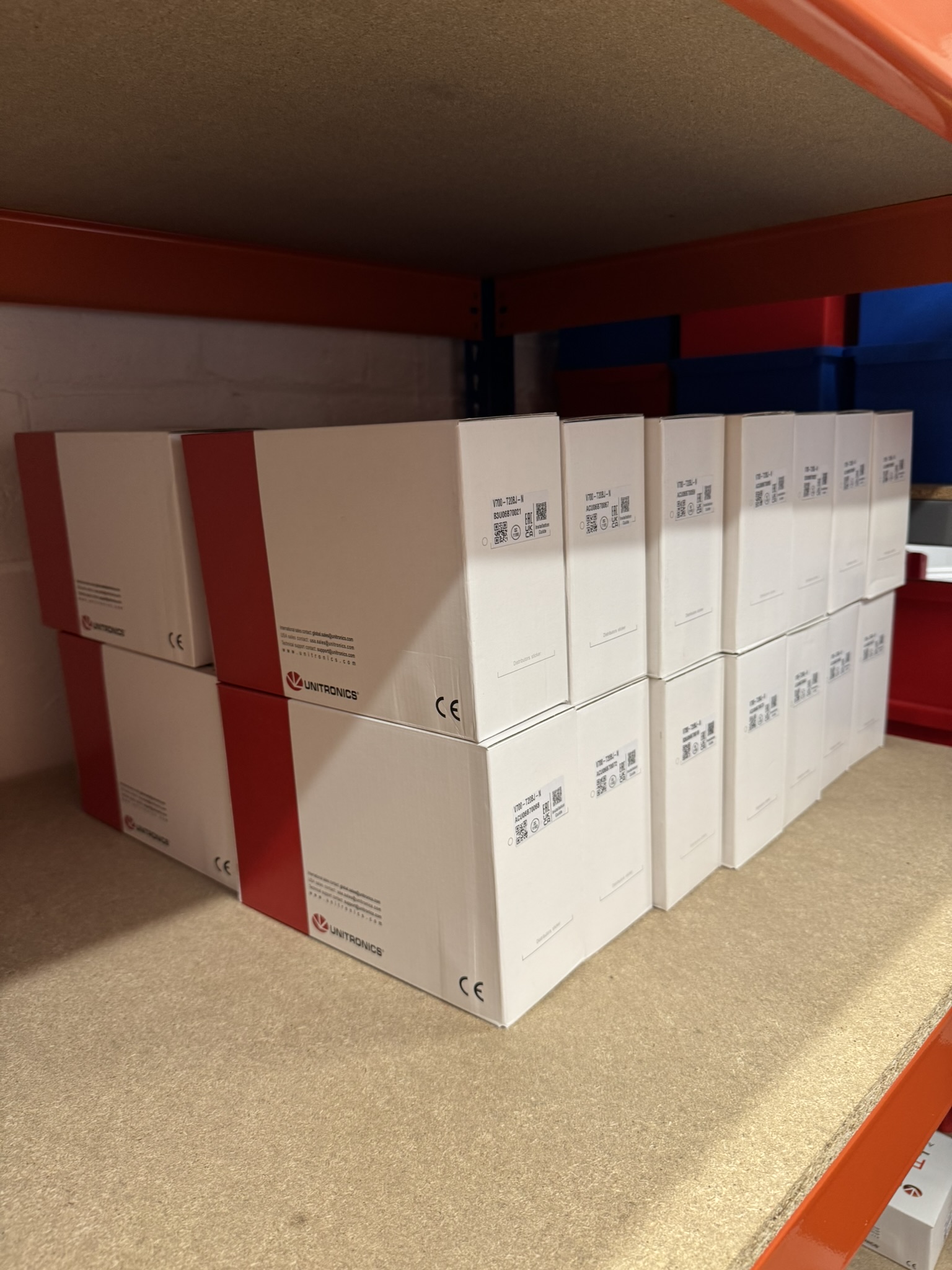


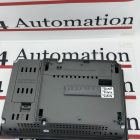
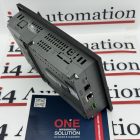

Description
V700-T20BJ
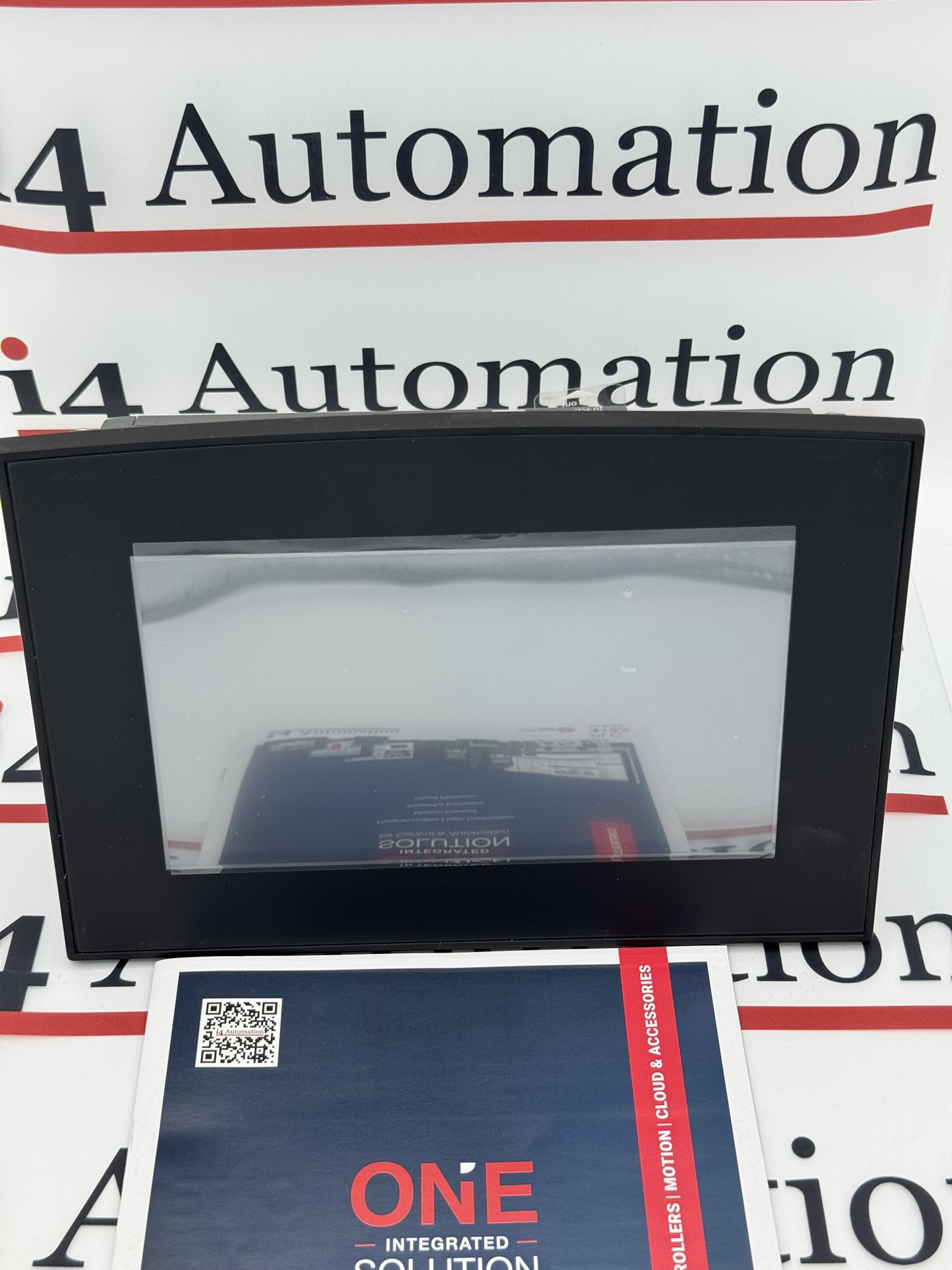
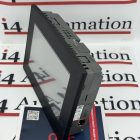
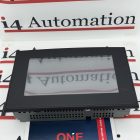
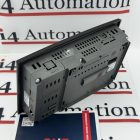
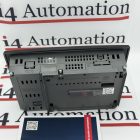
The Unitronics V700-T20BJ is a high-performance 7-inch HMI and PLC all-in-one controller from the Vision700 series, designed for machine builders, system integrators, and industrial users who need reliable control and operator interface functionality in a single compact unit. By combining a full-colour touchscreen with built-in PLC capability, the V700-T20BJ helps reduce panel space, simplify wiring, and streamline automation system design.
Ideal for a wide range of industrial automation applications, the Unitronics V700-T20BJ is suited to machine control, process automation, OEM equipment, packaging systems, and factory production lines. It gives operators a clear, user-friendly interface for monitoring performance, adjusting settings, viewing alarms, and controlling processes, while the PLC manages the underlying logic and automation tasks.
As part of the trusted Unitronics Vision700 range, the V700-T20BJ offers a practical solution for businesses looking to improve efficiency, reduce hardware complexity, and maintain dependable machine operation. Its integrated design makes it a popular choice for control panels where space, simplicity, and performance are all important.
Key features
- 7-inch touchscreen HMI with integrated PLC
- Compact all-in-one design for reduced panel space
- Suitable for industrial automation and machine control
- Ideal for OEMs, manufacturers, and system integrators
- Supports efficient monitoring, control, and operator interaction
- Helps simplify installation, wiring, and system architecture
Typical applications
- Industrial machinery control
- Process control systems
- Packaging machinery
- Manufacturing automation
- OEM equipment builds
- Factory monitoring and operator control stations
Why choose the Unitronics V700-T20BJ?
The Unitronics V700-T20BJ is a strong choice for users who want the convenience of a combined touchscreen HMI and PLC in one reliable platform. It is especially useful where panel space is limited and where simple integration can reduce overall build cost and engineering time.
All Orders Include UK Support & Training! Huge UK Stock on Next Day Delivery!
Programmed using Visilogic software
Showing the Branded and the Un-Branded version of the V700-T20BJ
How to get started in PLC programming from our podcast series
Showing the V700 along side the V570 so you can see the minimal size difference

VisiLogic Programming Software
Unitronics constantly upgrade all of their software which falls into three distinct areas, the Visilogic programming software, the PLC operating system and the software utilities. In broad terms it is safe to upgrade the Visilogic programming software at any time, the newer versions are backward compatible with the PLC OS and the user should not experience any issues with their application program in most scenarios.

This FULL programming Software is very powerful and Included in the price of any Unitronics PLC unit.

New PLC Operating Systems are Downloaded via Visilogic
Unless there are specific features or fixes that the user needs it is not recommended to upgrade the PLC operating system on a production machine, if the user is starting a new project then it is appropriate to make sure the latest OS is used. The new PLC operating systems are downloaded via Visilogic, which checks to make sure that any OS upgrades are compatible with the Visilogic version number performing the upgrade. PLC OS upgrades should always be made via the PLC Port 1 over a serial link and not via TCPIP. When a PLC OS is upgraded the process does not overwrite the existing application program which will run when the upgrade is complete.
Designated System Bit (SB)
It is possible at some point that new features in a later release of software might prevent a PLC program from being compiled and downloaded, however, this would need the addition of new PLC functions not present in the existing OS. Some OS changes have resulted in PLC operation being different (by default) to the previous version, however, these changes can normally be reversed by turning on a designated System bit (SB). If the user has any doubts then it is possible to check what upgrades and fixes have been made to the various versions, Unitronics publish version change data which can be found on their website.

Visilogic Version Swapper
It is also possible to have several versions of the Visilogic programming software on one PC and then switch between the versions, there is a utility program called the Visilogic Version Swapper to help with this.
The user should carefully consider the consequences of upgrading each software utility depending on the utility function as these vary from simple data table uploads to taking remote control of a plant. New versions should not be tested on production machines.
As with all things, good practice requires strong version control and risk analysis before upgrading software, make sure you do not run Beta software on production machines and if in doubt – We are happy to help you out!
Need Help with Programming VisiLogic?

E-Learning
If you have a specific query then feel free to contact us via phone or E-mail. There is also a comprehensive set of Unitronics E-learning material available here covering many Visilogic functions.

Webinars
Plus many comprehensive videos and Webinars available here to walk you through some basic VisiLogic functions.

Training Courses
Need more in depth help with your project or programming VisiLogic? We run training courses in house or on site to help get your project running smoothly. Get in touch and we will be happy to help.
Visilogic Manuals
| VisiLogic Manual | |
|---|---|
| VisiLogic Software Manual – Start-Up Guide |  |
| VisiLogic Software Manual – Ladder | |
| VisiLogic Software Manual – HMI Display | |
| VisiLogic Software Manual – Utilities | |
| VisiLogic Software Manual – Communications | |
| VisiLogic Software Manual – Function Blocks | |